
Start with what you need and where
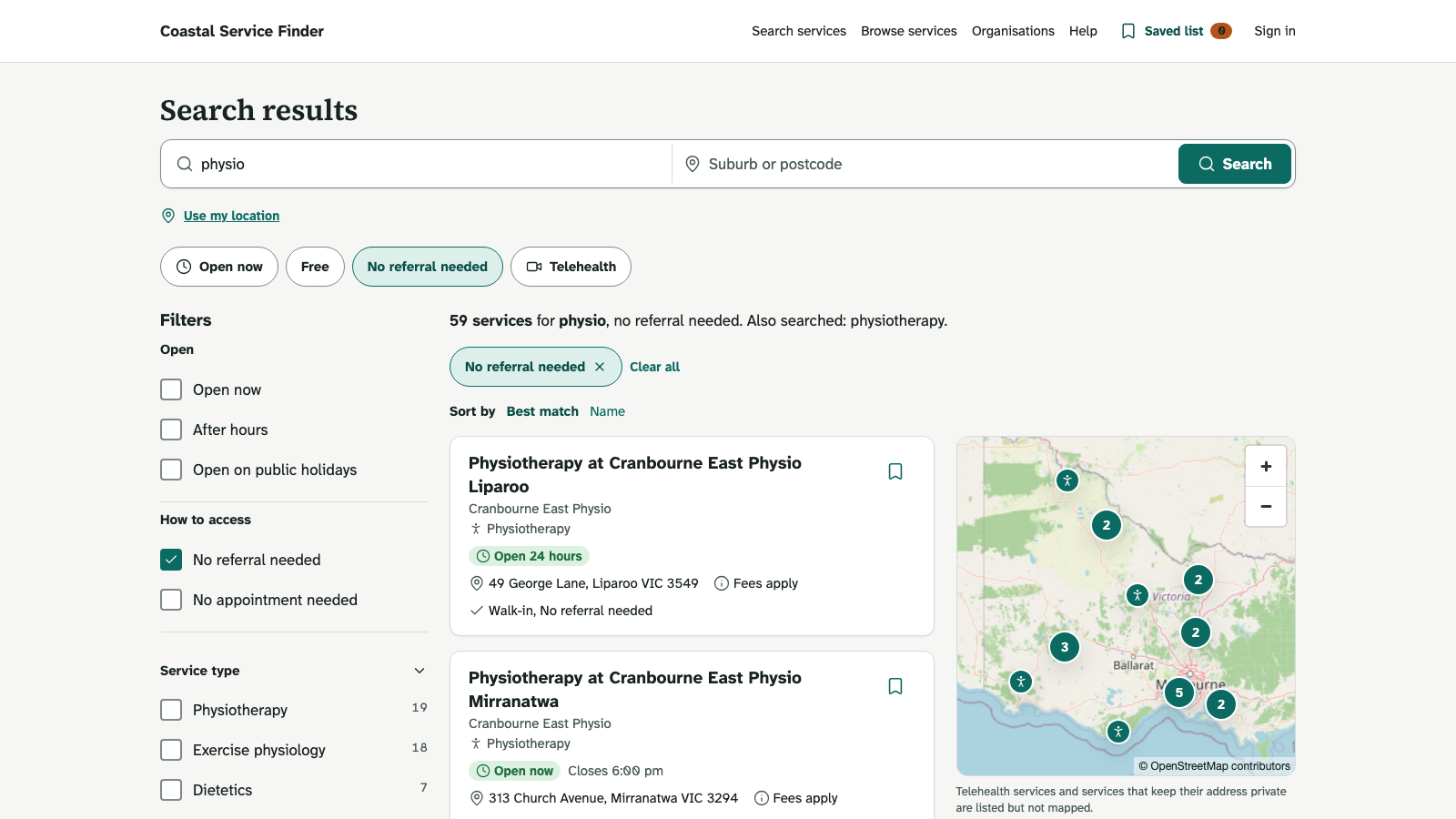
Enter the service or need and the relevant location. Use filters to narrow the result to practical requirements such as service type, availability or delivery options where the directory offers them.
Read the service details
Check the location, opening hours, cost, eligibility, referral requirements and contact method. A listing's confirmation information helps you judge how recently it was checked. Contact the provider to confirm time-sensitive availability.
Check the service, not just the organisation. Different services or sites belonging to the same provider can have different hours, costs and access requirements.
Save and share
Use the directory's save or list controls to collect useful services. Review the selected entries before sharing them, and avoid adding private health information to a public or shared list.
When no result fits
Try a broader term, remove one restrictive filter or expand the area. Browse the directory's categories to discover the local terminology. The directory may cover only a defined region or set of services.
Professional information
Some details are available only to approved health professionals or other authorised audiences. Signing in does not automatically establish professional status. Follow the directory's access process and use the contact route if your account needs review.
Report an error
Use the report control on the affected listing and describe the incorrect information clearly. Include enough information for the directory team to investigate, without sending patient information. A report creates work for review; it does not immediately edit the listing.
For urgent needs, use the appropriate local emergency or urgent-care route rather than waiting for a directory correction.