Import and maintain
Provider updates, CSV and XLSX imports, FHIR Bundles and partner change proposals.
 Health Service
 Technical implementation
Connect service information to the applications that need it. Hark combines a shared provider model, standards-based interfaces and directory-level controls, so integration does not become another spreadsheet to maintain.
Provider updates, CSV and XLSX imports, FHIR Bundles and partner change proposals.
Organisations, locations, services and practitioner roles, with review, provenance and audience controls.
Branded directories, REST and FHIR reads, exports, change feeds and signed webhooks.
FHIR and APIs
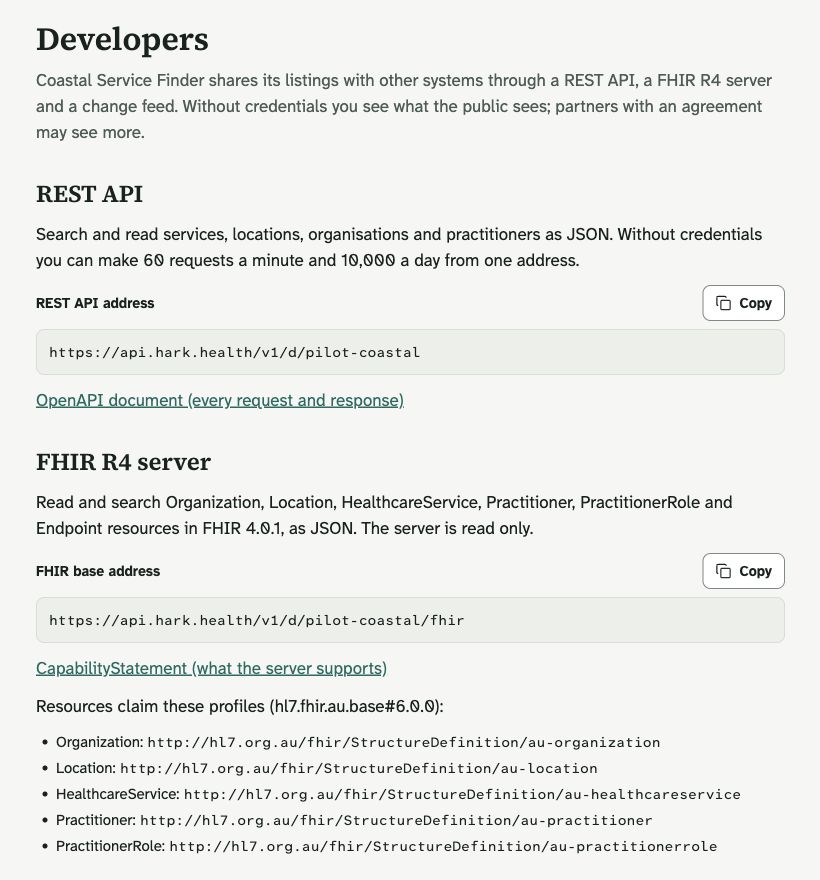
Build service discovery into referral software, contact centres and your own digital front door. REST responses expose directory information as JSON, with an OpenAPI contract for requests and responses.
The FHIR 4.0.1 server supports read and search for Organization, Location, HealthcareService, Practitioner, PractitionerRole and Endpoint resources. Its CapabilityStatement describes supported interactions and search parameters.
The FHIR server is read-only. Imports and authorised partner change proposals use separate workflows, so proposed changes can pass through the directory’s governance.
Partners can consume a change feed, receive signed webhooks or request exports. OAuth client credentials and directory grants define access; a grant can be narrowed by area, service category and record type.
Data and governance
Bring existing data into a structured graph of organisations, locations and services. Import validation and dry-run reports help teams review issues before committing a migration.
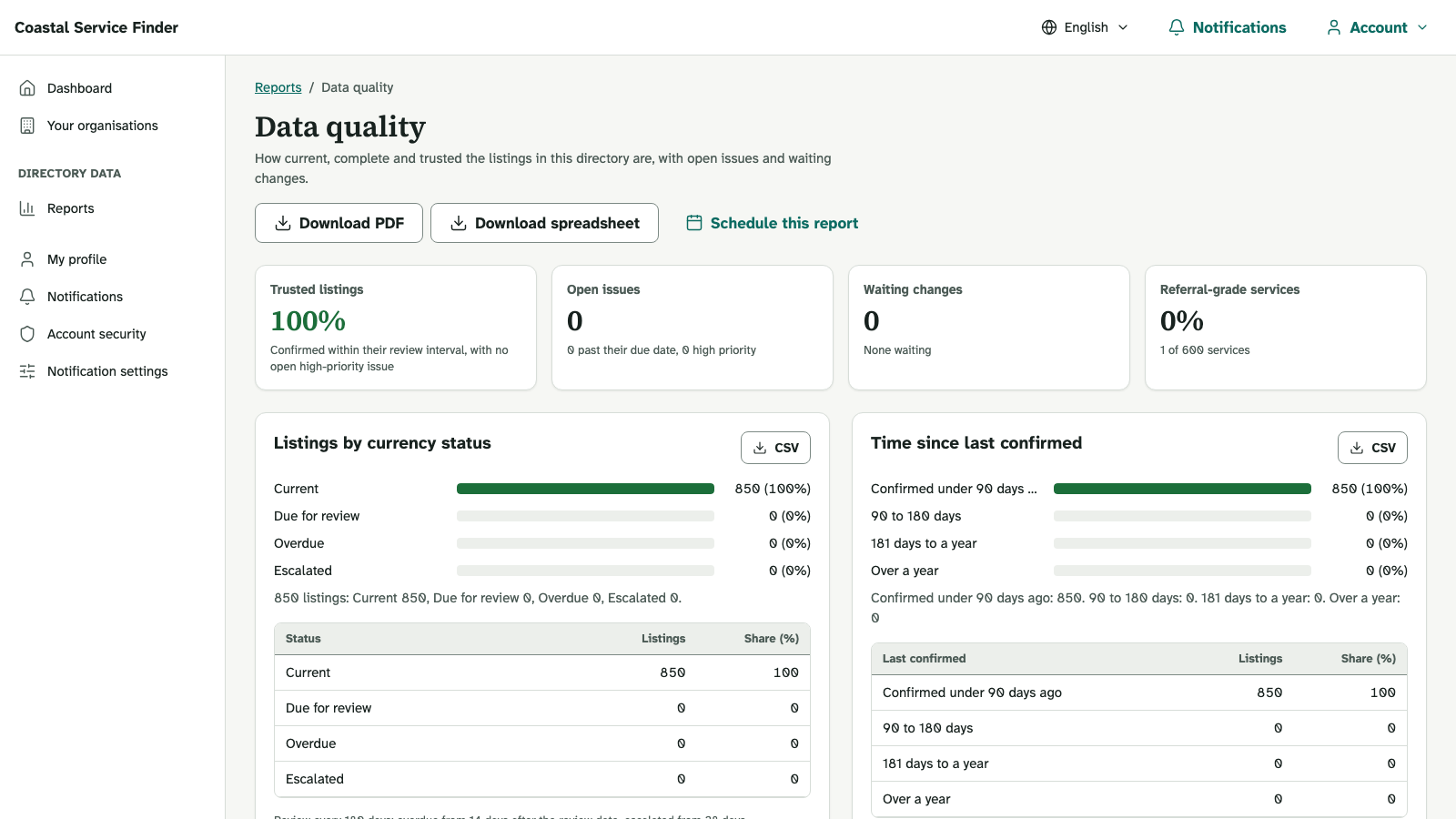
Provider editing, approvals, review reminders and curator work queues give records an owner. Data-quality reporting helps the team focus on gaps and information that needs attention.
Audience rules and partner scopes determine what a caller can receive across the API, FHIR and exports. Confidential locations and restricted practitioner information are handled in the shared publication layer.
Connected directories retain source information. Teams can trace where a record came from and direct corrections back to the responsible source.
Directory configuration
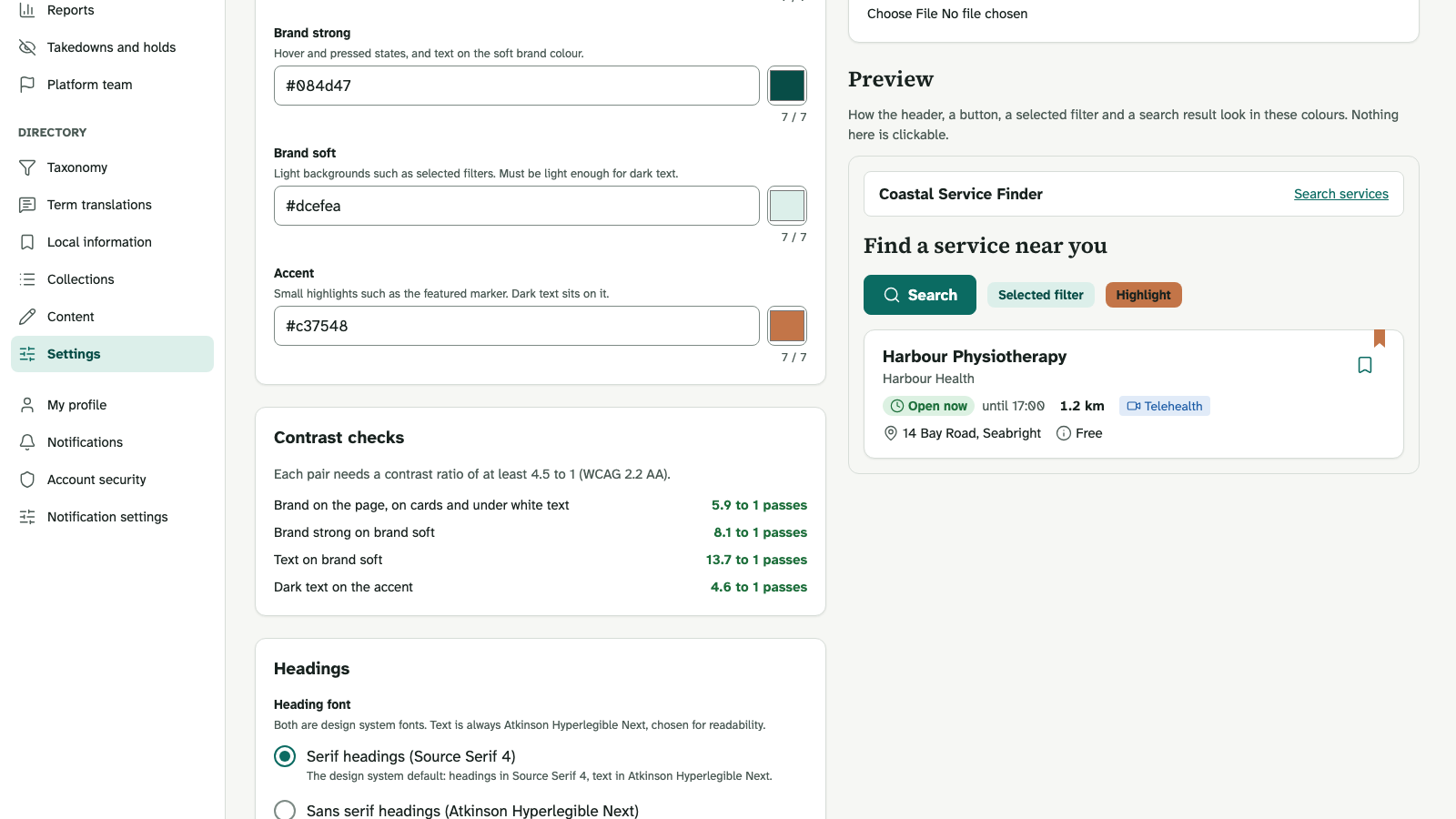
Each directory can define its identity, scope and ways of working while using the same underlying platform.
Implementation planning covers hosting, data residency, identity integration and operating responsibilities for your deployment.
Implementation pathway